 Contact us

October 7,2021
3 Quick, Easy User Experience (UX) Tips

User Experience design is one of the fastest growing professions in the design industry, over the past few years with the ever growing progression of the web and mobile we are ever more accessible to web apps and cloud-based tools and services. This means more time is spent not only how a product may look (UI Design), but how that product is presented (UX Design).
“User Experience (UX) Design is the process of enhancing user satisfaction by improving the usability, accessibility, and pleasure provided by the interaction between the user and the product.”
– Wikipedia
One of the most important things I’ve found while tackling UX design is that not to fall into the “The Dribbblisation of Design“. UX and UI design are about solving problems – making the product efficient yet interesting will result in a good user experience.
Listed below are a few tips and techniques, that with some further thinking will help you along the way to improving your visual User Experience process.
1. Keep it Simple and Straightforward
Minimalistic and flat design are extremely popular at the moment and have been for the past couple of years. They’ve almost become a go to design pattern and not just another yearly ‘trend’. They strip away everything that doesn’t directly help users engage with content. Next time you’re working on a product, or website, ask yourself the question – does that need to be there? Keep it simple.
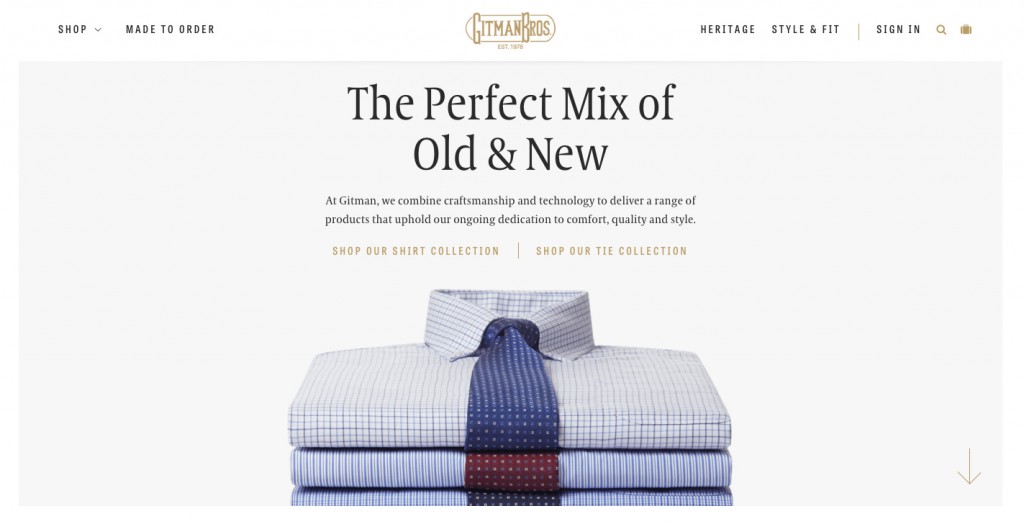
Image source:
2. Good Navigation is Important
A ‘mobile-first’ mentality is how you should be tackling your website navigation. Without the huge list of navigation items screaming out to be clicked by the user, they will focus on the content you intend to show them. Mobile navigation is where this stems from. Your navigation needs to be relevant to the type of website that you have.

Image source:
3. Information Hierarchy
You need to know everything about the product and in most cases place the most important information first. Information architecture should always be figured out with your user/client in mind – YOU are not the user! Think what they will want, coming to your website or using your product and then start to build the structure and information hierarchy around that.

Image source: https://timklapdor.wordpress.c…
Creating an effective user experience is a difficult thing to execute, but putting yourself in the shoes of the user or your target audience is a great place to start. Once you understand that, knowing what they want and what they don’t will come naturally with your thinking. Remembering these user experience tips is a great way to start. Good luck!
Awin